
Kitchen screen
The kitchen sees every order
Orders in sequence with a timer: the cook marks dishes ready and the waiter sees the status at once.
- Order timer
- Dish status
- Sorting
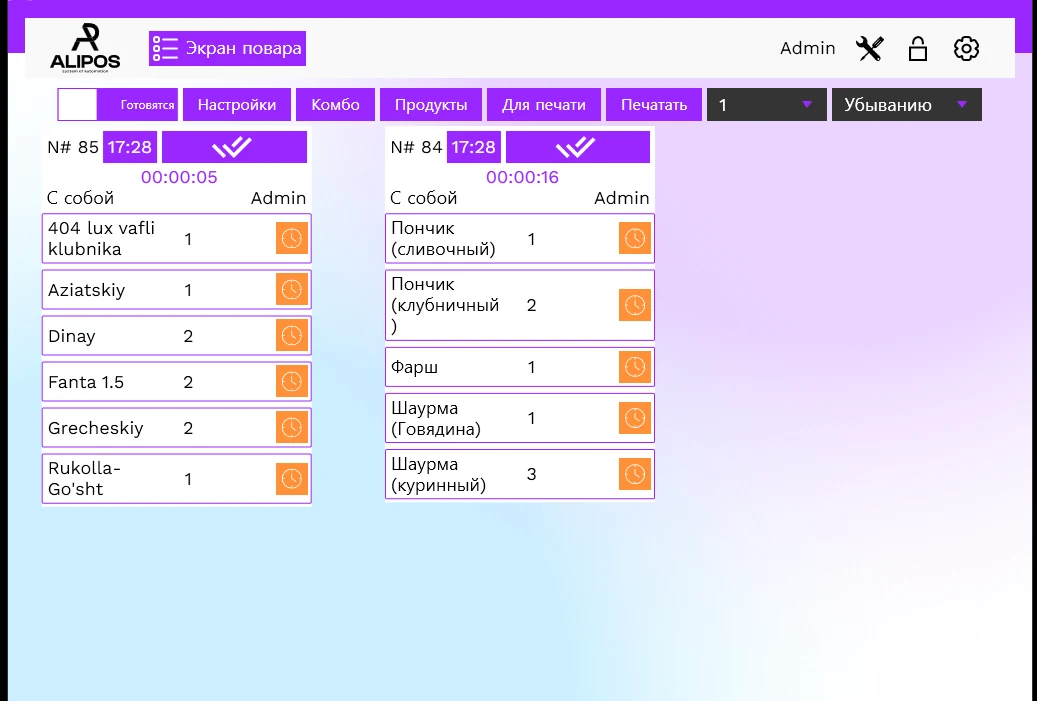
AliPos KDS (kitchen screen)
Cooks see every order, its timing and notes. Waiters know at once when a dish is ready.
Live in 1 day
Orders in sequence with a timer: the cook marks dishes ready and the waiter sees the status at once.
Features
A late order turns red.
Hot, cold, bar, grill.
How it looks
Orders in sequence with a timer: the cook marks dishes ready and the waiter sees the status at once.
Cancelled items are highlighted with the time of cancellation — the kitchen doesn’t cook extra.

Let’s sort it out
We’ll discuss your venue format and help with the details.
No, you can use both.
Standard and above.
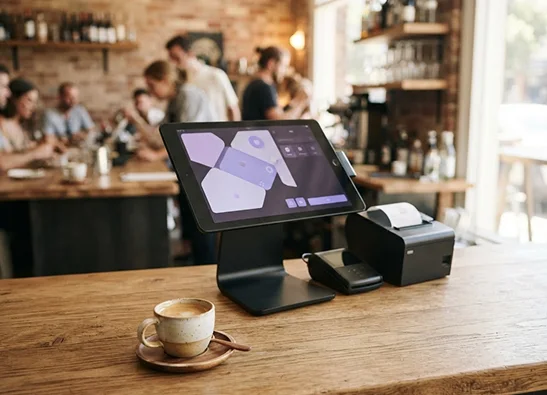
We recommend a wall mount for the screen — we’ll help you choose the hardware.
Your next shift starts here
Leave a request: we’ll call back in 15 minutes and set up the till in 1 day.
Hi! I’m the AliPos assistant. Ask about plans, features, getting started or using the system.